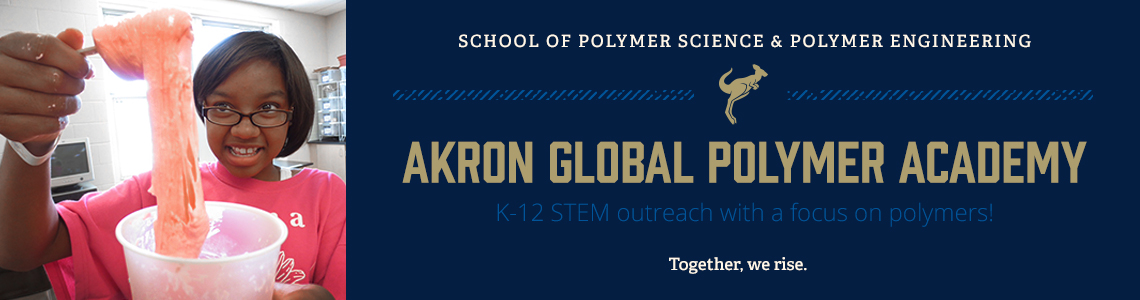
The Akron Global Polymer Academy provides opportunities for teachers and students of all ages to experience the exciting world of polymers through a variety of offerings, including: in-school visits featuring engaging hands-on demonstrations, polymer family science nights, field trips to our exciting polymer research school, and many polymer-related classroom resources available through this educational website.
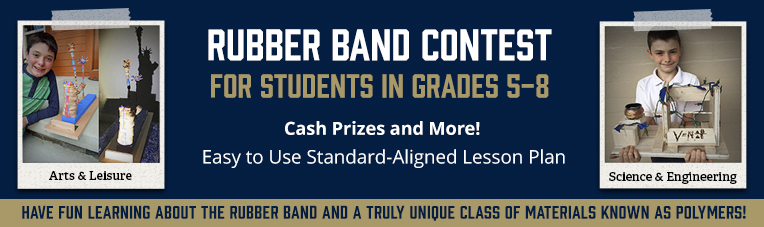
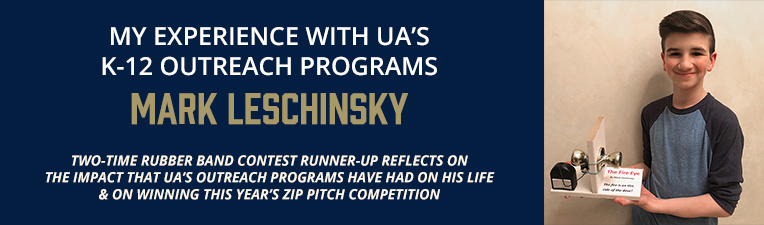
AGPA also connects with K-12 students through an assortment of STE(A)M (Science, Technology, Engineering, Art, and Mathematics) initiatives, like: the Akron Regional Science Olympiad, the Western Reserve District 5 Science Day, our annual Rubber Band Contest for 5th-8th graders, as well as an ongoing STEM research experience for high school students.
Our K-12 outreach group also provides professional development for teachers. One example is through our Research Experience for Teachers (RET) program, which is an NSF funded program that brings teachers into the School of Polymer Science and Polymer Engineering's cutting-edge research laboratories, where they work alongside an actual research group. RET teachers work on developing their own research inspired lesson plans, designed to bring their cool research experiences back into their classrooms!